
Free — $0
View public Instagram stories · 3 story views a day
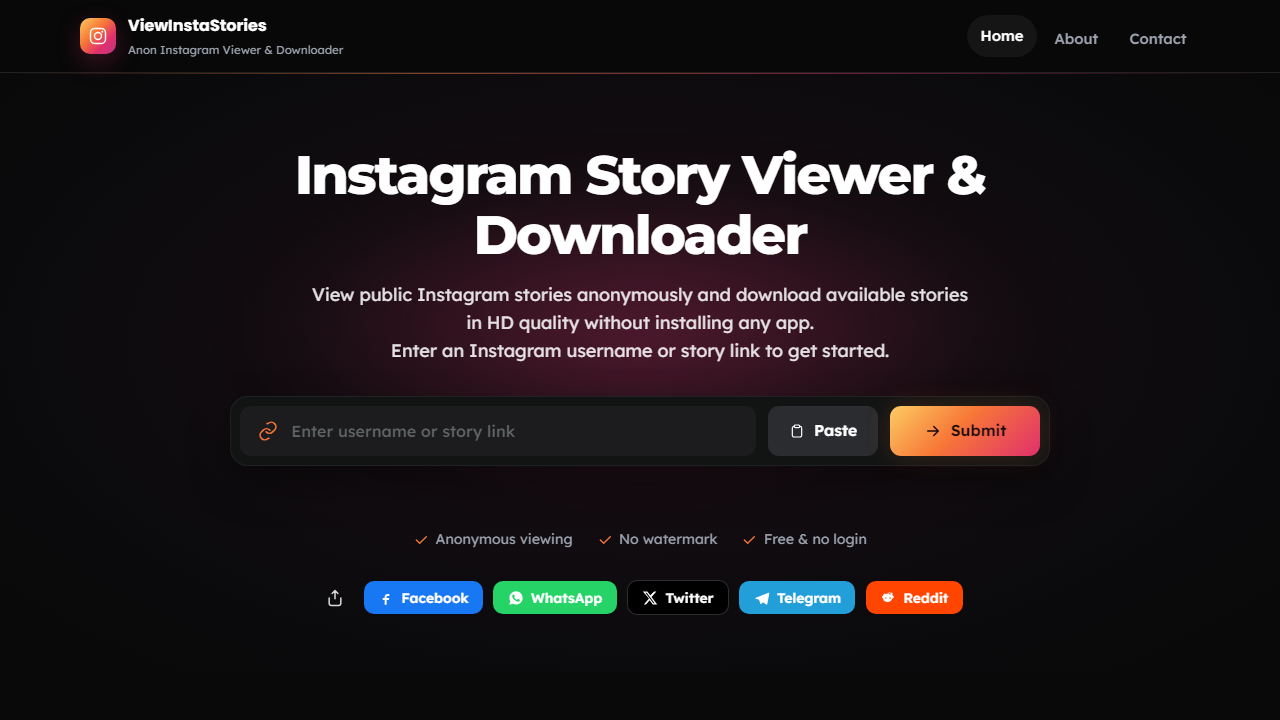
View public Instagram stories anonymously and download available stories in HD quality without installing any app.
Enter an Instagram username or story link to get started.
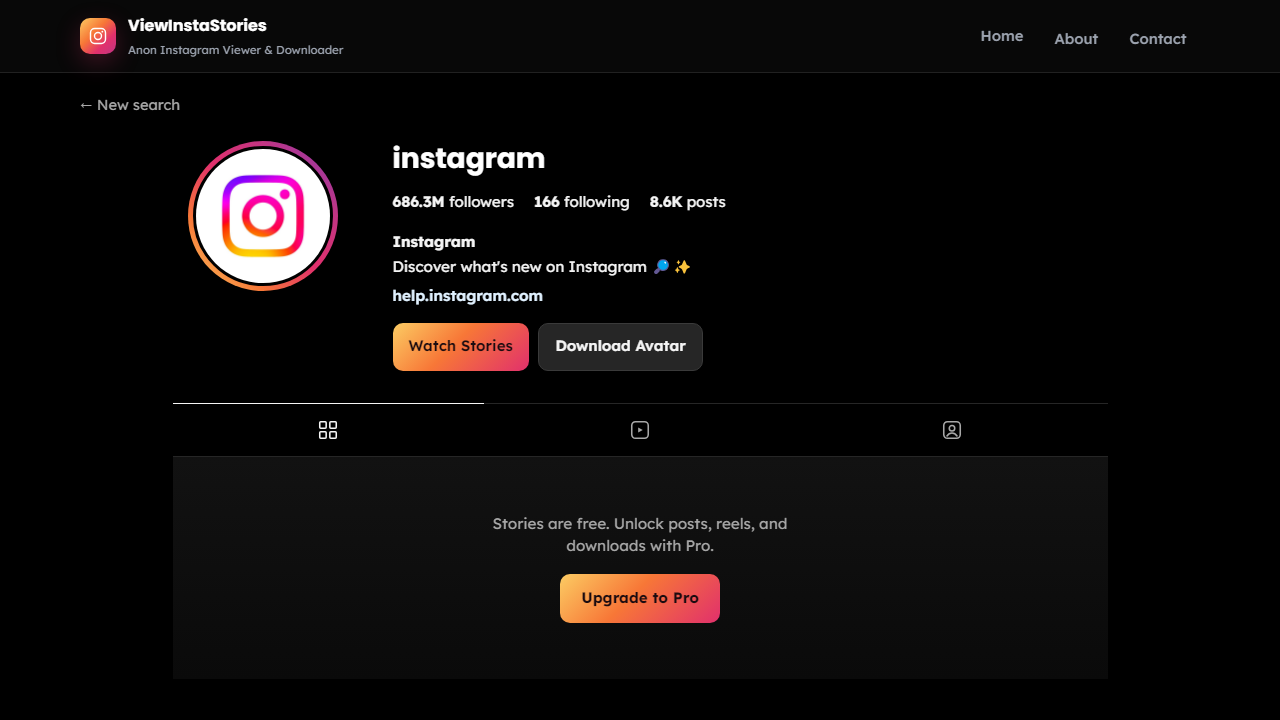
Stories stay free to view. Pro is a monthly plan — unlock posts, reels, and all downloads for up to 100 profiles each month.
View public Instagram stories · 3 story views a day
Up to 100 profiles every month · Posts, reels & stories unlocked
Get Pro →Three quick steps. Public accounts only. No Instagram login required.
Know the handle? Type it in. Prefer @username? That works too. Already copied a story URL from Instagram? Paste it into the box. Use whichever you have. Only public profiles are supported, so confirm the account is public and double-check spelling before you search.
Press View and the profile opens within a few seconds. A username loads that account’s live public stories. A direct story link focuses that story when available. No Instagram login is required on your side. If nothing appears, the name may be wrong, the account may be private, or there may be no active stories.
Watch stories in your browser or save them to your device. Use Watch Stories and Download on each item. Videos save as MP4; photos as JPG or PNG. Files are pulled from the original media source so quality matches what was uploaded, without an Instagram watermark layered on top.
Anonymous viewing, clean downloads, and a browser-only workflow.
Instagram shows creators who watched while logged in. ViewInstaStories reads public story media outside the app, so your account never shows up on that list.
In-app saves often stamp branding onto the file. We fetch the original media URL instead, so your download stays free of an extra platform logo.
We aim to deliver the file without re-encoding. Final quality matches the original upload. If it was posted in HD, that is what you keep.
Drop in a username, an @username, or a full Instagram story link. All three formats work the same way.
You do not need an Instagram login or an app install. Open a browser, go to viewinstastories.com, and start searching on phone, tablet, or desktop.
We do not sell your search history or build a public trail of which profiles you opened. Search, view or download, and leave.
Plenty of different people use this, and the reasons are usually pretty ordinary.
Keep an eye on competitors, brands, and influencers without your account showing up as a viewer. Quiet research stays quiet.
Track public Instagram accounts for competitor analysis or campaign research without maintaining a separate research login.
Spot a public story worth keeping, like a tutorial, product drop, or post from a creator you follow, and grab it before the 24-hour window closes.
Open a browser. That is all the setup needed. No APK, extension, or app to manage.
Safari on iPhone handles this without fuss. Open viewinstastories.com, drop in a username or link, and stories appear right there.
Use Chrome, Firefox, or any browser already on the phone. No APK hunt and no side-loading, just the browser you already have.
Windows with Chrome or Edge, Mac with Safari or Chrome. Viewing and downloading happen from the same page with no extra software.
No. ViewInstaStories accesses public story content outside the Instagram app, so your activity does not register on the creator’s viewer list.
Yes. The tool fetches the original story file from the source rather than saving through Instagram’s built-in options, so no platform logo is added to your download.
Video stories save as MP4. Photo stories save as JPG or PNG depending on the original format. Files work on phones, tablets, and computers out of the box.
No. Private accounts restrict content to approved followers. ViewInstaStories only works with public accounts. Profile headers may still show for private users, but stories and posts stay locked.
No. Enter a username, @username, or story link and stories load without credentials from your side.
Viewing public stories is free with up to 3 story views a day (no downloads). Pro unlocks downloads, posts, and reels for $9.99/mo — or contact us about Pro access.
Common causes are a typo, a private account, or no active stories at that moment. Double-check spelling and confirm the profile is public with live stories.
Yes. ViewInstaStories runs in standard mobile browsers on Android and iPhone without an app install. Open the site and use it the same way as on desktop.